Best OBD2 Scanners for Beginners
The best OBD2 scanners for beginners who want clear engine codes, simple setup, and fewer confusing app or tool mistakes.
Quick Summary
What to know first
A beginner OBD2 scanner should make the check-engine light less stressful, not turn your driveway into a diagnostics class. These picks focus on simple setup, useful explanations, and tools that make sense before you visit a mechanic.
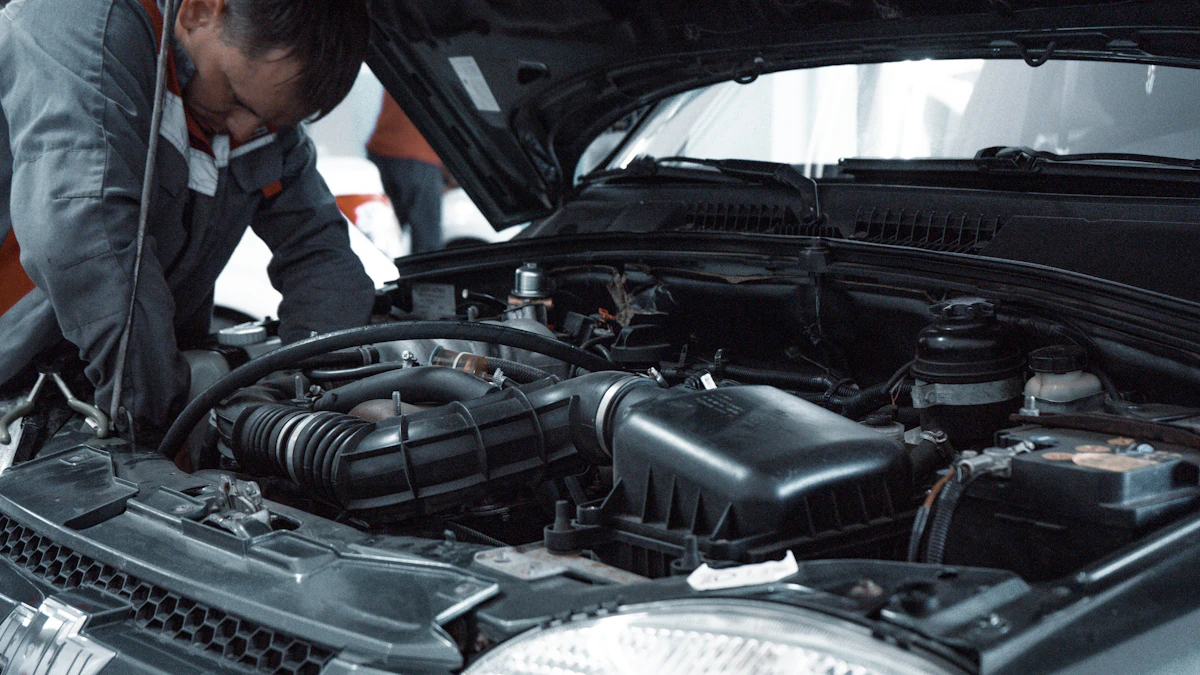
A beginner OBD2 scanner should not try to be a mechanic in a box. The best ones do a narrower job well: they read the check-engine code, explain enough to help you make the next decision, and do not punish you with pairing problems or vague menus.
What matters is not the longest feature list. What matters is whether you can use it in five minutes, understand the warning, and decide if the car is safe to drive, worth fixing yourself, or ready for a shop.
Quick Picks
Best Overall for Simplicity - ANCEL AD310
The safest default for most beginners because it is wired, cheap, and ready whenever the check-engine light appears.
Best Wireless Experience - BlueDriver Pro OBD2 Scanner
The better choice if you want app-based explanations, repair context, and live data instead of just raw codes.
Best for European Brands - Carly Universal Scanner
The pick for BMW, VW, Toyota, and European-car owners who want coding features and used-car checks, if they accept the subscription model.
Best Handheld Upgrade - Foxwell NT301
A stronger standalone scanner with live data and a proper screen, without depending on your phone.
Best Budget Option - MOTOPOWER MP69033
The cheapest sensible tool for basic engine-code reading when you mainly want an emergency glovebox scanner.
How To Choose Fast
- Want zero setup -> ANCEL AD310
- Want repair guidance in an app -> BlueDriver Pro
- Own a BMW, VW, Toyota, or European-brand car -> Carly Universal Scanner
- Want a handheld screen with more live data -> Foxwell NT301
- Want the cheapest basic code reader -> MOTOPOWER MP69033
Who It’s For / Not For
Who it’s for:
- Drivers who want to understand a check-engine light before calling a mechanic.
- Beginners who prefer a simple tool over a professional diagnostics tablet.
- DIY owners who want to read codes, save them, clear them carefully, and watch basic live data.
Not ideal for:
- Full-system diagnostics across ABS, airbags, transmission, and body modules.
- Professional shop work where bidirectional controls and manufacturer-level coverage matter.
- Buyers expecting a scanner to tell them the exact broken part every time.
ANCEL AD310 - The No-Hassle Default
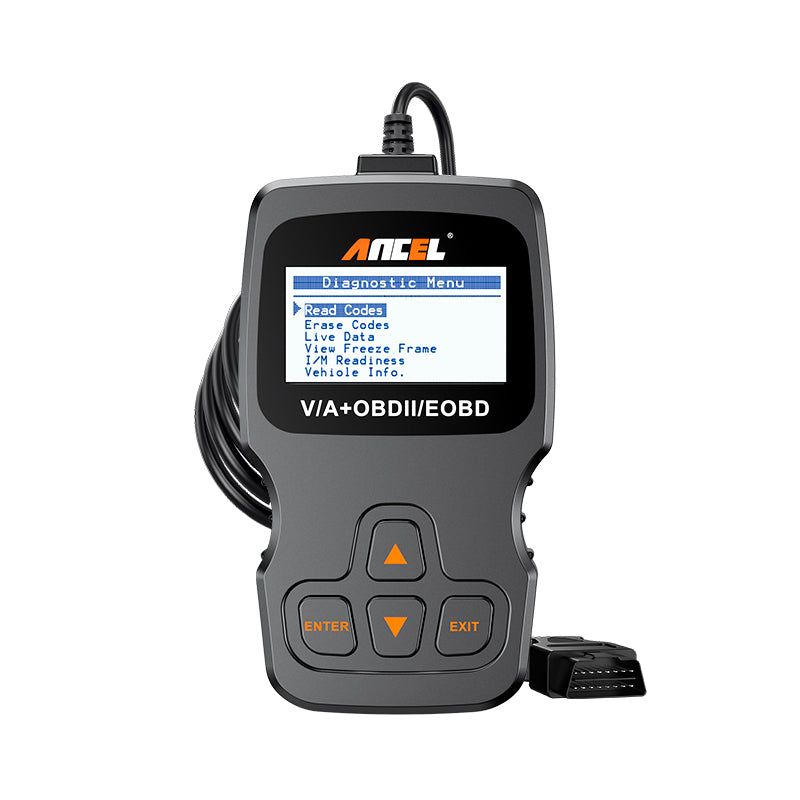
Simple plug-and-play scanner for quick engine diagnostics.
This is the one most beginners should buy first.
The ANCEL AD310 is not exciting, and that is the point. It is a classic wired scanner that gets power from the OBD2 port, so there are no batteries, no apps, no Bluetooth pairing, and no account setup. Plug it in, turn the ignition on, read the engine code, write it down, and decide what to do next.
Good:
- Works immediately with no phone or app.
- Simple enough for emergency use.
- Cheap enough to keep in the car without overthinking it.
Watch out:
- It is mainly for engine diagnostics.
- It will not replace a scanner for ABS, airbags, or advanced modules.
- The interface is basic because the whole product is basic.
Best For:
Drivers who want the least complicated way to read and clear check-engine codes.
Why We Picked It:
It removes the most common beginner problem: setup friction. When your check-engine light is on, a boring tool that works instantly is more useful than a clever one that needs pairing.
Devil’s Advocate:
You will outgrow it quickly if you start doing deeper diagnostics. Treat it as a dependable code reader, not a long-term repair platform.
BlueDriver Pro OBD2 Scanner - The Best App Experience
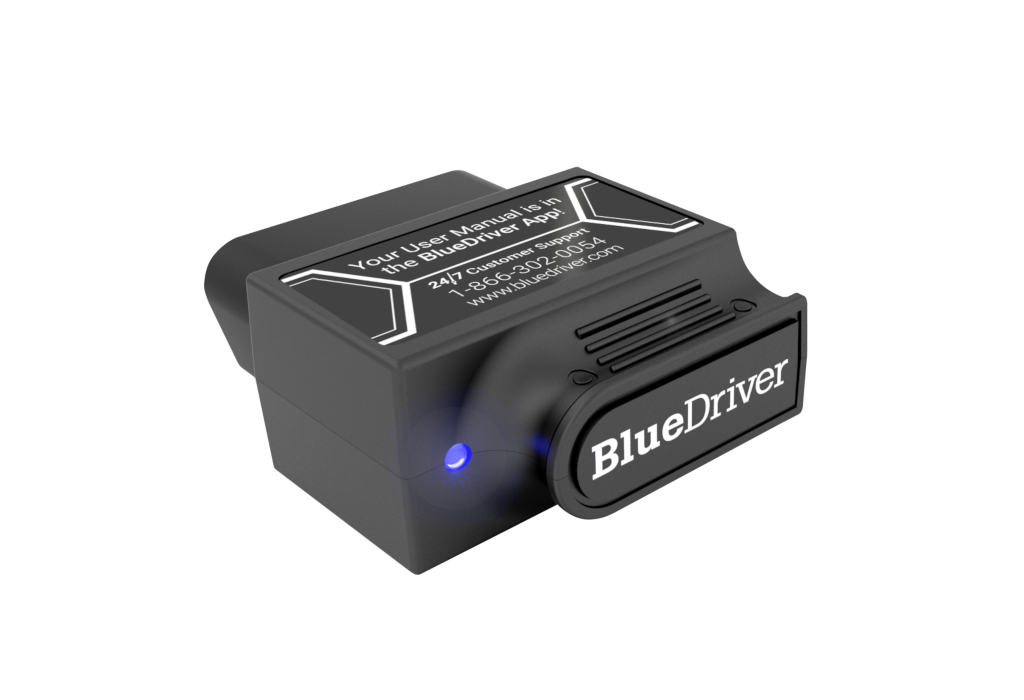
Bluetooth scanner with app-based repair guidance and live data.
BlueDriver is the beginner pick for people who want the scanner to explain more.
Instead of only showing a code like P0420 and leaving you to search forums, BlueDriver pairs the dongle with its app and gives repair reports, possible causes, live data, and a cleaner path from “warning light” to “next step.” It is especially useful if you are trying to learn what the car is doing while you drive.
Good:
- App-based explanations are easier for beginners than raw code lists.
- Live data helps you see sensor behavior instead of guessing.
- Small dongle is easy to store and use.
Watch out:
- More expensive than basic wired readers.
- You are dependent on BlueDriver’s app and vehicle coverage.
- Older or more specific European modules may not be supported the way buyers expect.
Best For:
Beginners who want repair guidance and a more modern diagnostics experience.
Why We Picked It:
It bridges the gap between simple code reader and enthusiast tool without throwing a giant tablet at a new user.
Devil’s Advocate:
The app is the product. If you dislike app-based tools, subscriptions, account ecosystems, or phone dependence, a handheld scanner is cleaner.
Carly Universal Scanner - Best for European Brands
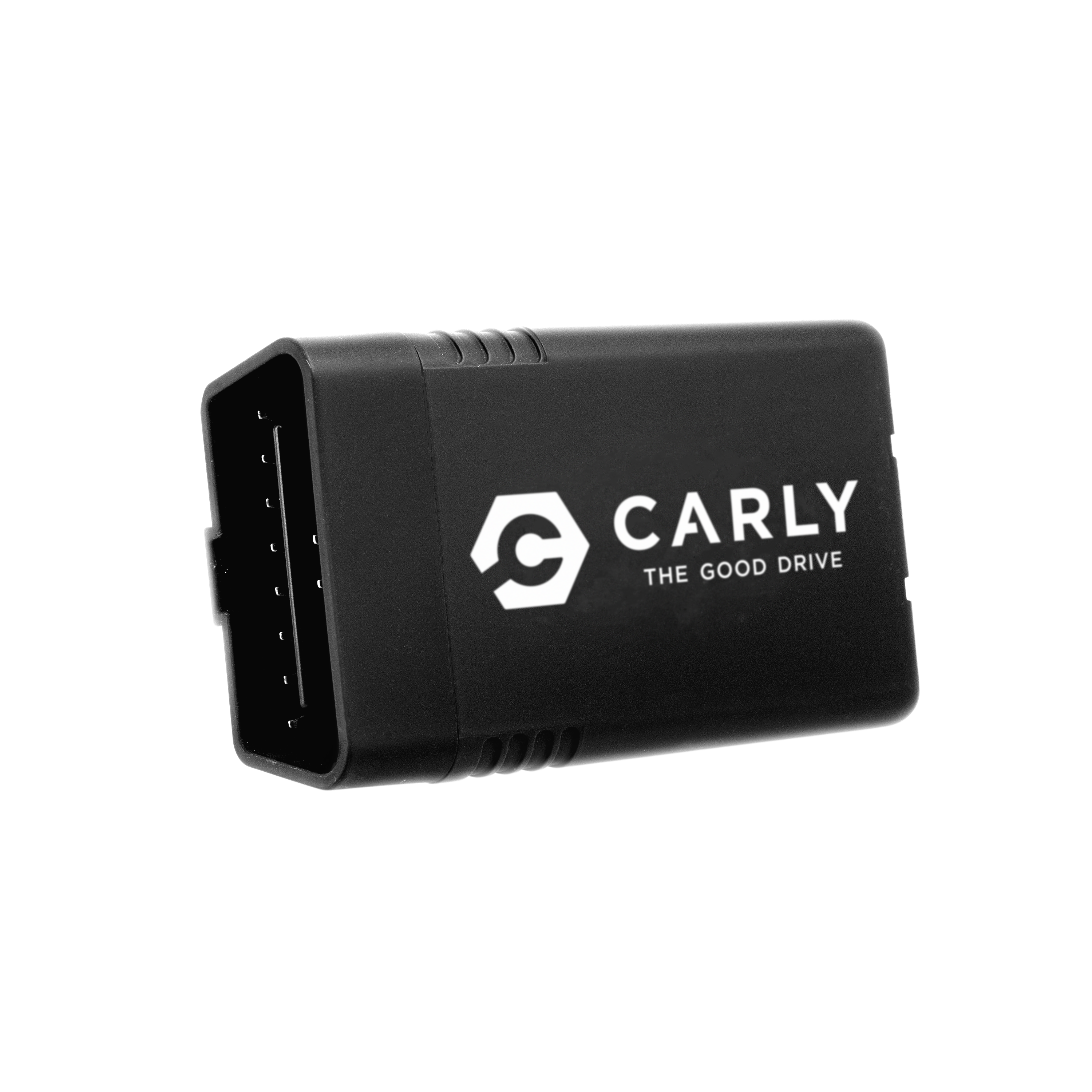
App-based scanner for supported European-brand diagnostics, coding, and used-car checks.
Carly is the most specific recommendation here. It makes less sense as a universal emergency scanner and more sense if you own a supported car and want brand-focused extras.
For BMW, VW, Toyota, and other supported makes, Carly can go beyond basic engine-code reading with features like coding, deeper diagnostics, and used-car checks. That makes it appealing in markets like Spain and Germany, where buyers often care about imported cars, mileage history, and brand-specific functions.
Good:
- Stronger feature set for supported European-brand vehicles.
- Coding and used-car checks can be genuinely useful.
- Phone-based interface is more approachable than many advanced handheld tools.
Watch out:
- The best features often require a recurring subscription.
- Value depends heavily on your exact car and supported modules.
- It is not the cheapest way to read a basic engine code.
Best For:
European-brand owners who want more than a generic code reader and are comfortable paying for software features.
Why We Picked It:
It gives certain drivers a path into brand-specific diagnostics without buying a professional tablet.
Devil’s Advocate:
Do not buy Carly just because it sounds advanced. If you only want to check a warning light twice a year, the subscription math is hard to justify.
Foxwell NT301 - The Best Handheld Upgrade
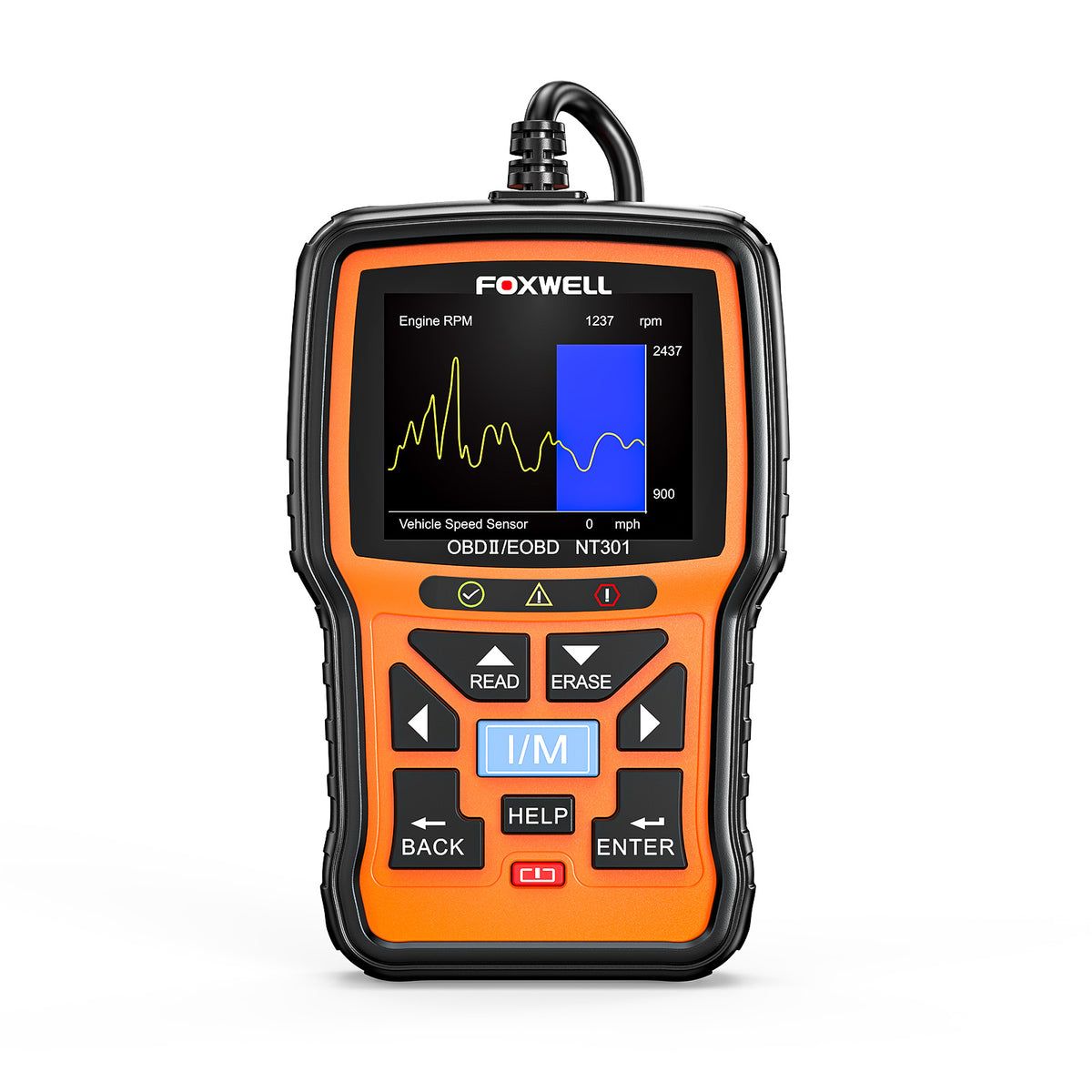
Handheld scanner with live data and a better standalone display.
The Foxwell NT301 is what you buy when the ANCEL feels too basic but you still do not want a phone-based setup.
It has its own screen, supports live data, and gives you more room to inspect what the engine is doing. That makes it better for DIY users who want to move beyond “read code, clear code” without jumping into a professional diagnostic tablet.
Good:
- Standalone handheld design with no phone required.
- Live data is useful for learning and basic troubleshooting.
- More capable than the cheapest code readers.
Watch out:
- Interface can feel clunky compared with a polished app.
- Still not a full-system professional scanner.
- Costs more than very basic readers.
Best For:
DIY beginners who want a real handheld scanner they can grow into.
Why We Picked It:
It is a practical middle step: more useful than a basic reader, less overwhelming than an advanced scan tool.
Devil’s Advocate:
If you value clean explanations more than menus and live values, BlueDriver is easier to live with.
MOTOPOWER MP69033 - The Cheapest Sensible Pick
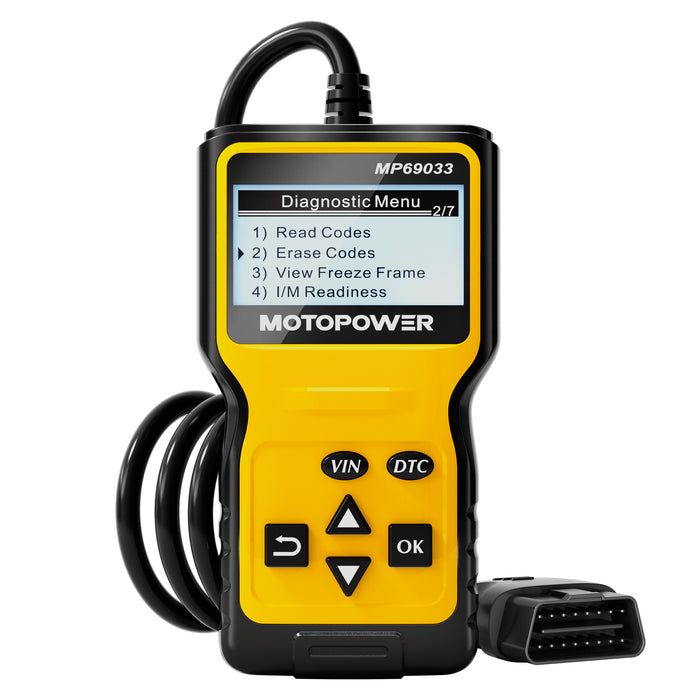
Cheap wired code reader for occasional check-engine light checks.
The MOTOPOWER MP69033 is the budget pick for people who want one thing: basic engine-code visibility for the lowest reasonable cost.
It is not the scanner you buy to learn diagnostics deeply. It is the scanner you keep around so a check-engine light does not immediately mean a mystery trip to the shop. Read the code, save it, look it up, and decide if you need help.
Good:
- Very affordable.
- Simple wired setup.
- Good enough for occasional basic code reading.
Watch out:
- You will outgrow it if you want live data or deeper functions.
- Screen and build feel budget.
- It is mainly a basic engine-code tool.
Best For:
Drivers who want the cheapest usable emergency code reader.
Why We Picked It:
It handles the core beginner job without pretending to be a repair computer.
Devil’s Advocate:
If you are already interested in DIY repair, skip this and buy the ANCEL, Foxwell, or BlueDriver instead.
What We Skipped
We skipped scanners that look impressive on a listing but create beginner problems in real use:
- Unknown Bluetooth dongles with unreliable pairing.
- Tools that promise full diagnostics without clear vehicle coverage.
- Cheap readers with confusing menus and poor screens.
- Products where the app matters but the app support is weak.
- Scanners that hide key functions behind unclear subscriptions.
Comparison Table
| Model | Type | Best For | Verdict |
|---|---|---|---|
| ANCEL AD310 Best Overall | Wired handheld | Zero-hassle engine-code reading | Best default for most beginners |
| BlueDriver Pro | Bluetooth app | Explanations, repair reports, live data | Best wireless experience |
| Carly Universal Scanner | Bluetooth app | European-brand features and coding | Best for supported cars |
| Foxwell NT301 | Handheld scanner | More live data without a phone | Best standalone upgrade |
| MOTOPOWER MP69033 | Wired budget reader | Occasional emergency checks | Cheapest sensible pick |
- Type
- Wired handheld
- Best For
- Zero-hassle engine-code reading
- Verdict
- Best default for most beginners
- Type
- Bluetooth app
- Best For
- Explanations, repair reports, live data
- Verdict
- Best wireless experience
- Type
- Bluetooth app
- Best For
- European-brand features and coding
- Verdict
- Best for supported cars
- Type
- Handheld scanner
- Best For
- More live data without a phone
- Verdict
- Best standalone upgrade
- Type
- Wired budget reader
- Best For
- Occasional emergency checks
- Verdict
- Cheapest sensible pick
Buying Guide: What Matters for Beginners
Setup Friction
If you only use the scanner when something is wrong, setup matters more than advanced features. Wired handheld scanners are less elegant, but they are ready immediately.
Vehicle Coverage
OBD2 does not mean “everything in the car.” Basic scanners usually read engine-related codes. ABS, airbags, transmission, battery systems, and manufacturer-specific modules may require better coverage.
App Dependence
Bluetooth scanners can be excellent, but the app becomes part of the tool. Check whether the app is still supported, whether it requires an account, and whether key features cost extra.
Live Data
Live data is useful when you want to see sensor behavior, not just stored codes. It helps with basic learning, but it can also confuse beginners if the scanner gives values without context.
Clearing Codes
Clearing a code does not fix the problem. It only turns the warning off until the car sees the issue again. Save or photograph codes before clearing them.
Reality Check
An OBD2 scanner tells you where to start. It does not prove the exact failed part.
A code for an oxygen sensor, for example, does not always mean the sensor itself is bad. Wiring, exhaust leaks, fuel trim issues, or catalytic-converter problems can all point you in the wrong direction if you treat a code as a final answer.
The goal is better decision-making: drive carefully, research the code, avoid panic, and know when a mechanic is the smarter move.
Common Mistakes
- Buying the scanner with the longest feature list instead of the clearest workflow.
- Assuming every scanner reads ABS, airbags, and transmission codes.
- Clearing codes before saving them.
- Ignoring vehicle coverage and app compatibility.
- Treating one code as proof that one part must be replaced.
Setup Tips
- Test the scanner before you actually need it.
- Keep a note with your car’s year, make, model, and engine.
- Photograph codes before clearing anything.
- Check freeze-frame data if the scanner shows it.
- Do not drive aggressively after a warning light until you understand the issue.
Bottom Line
Best zero-hassle scanner -> ANCEL AD310
Best wireless scanner -> BlueDriver Pro
Best for European brands -> Carly Universal Scanner
Best handheld upgrade -> Foxwell NT301
Best cheapest option -> MOTOPOWER MP69033
If you want the safest beginner pick, buy the ANCEL AD310. If you want the scanner to teach you what the code means, BlueDriver is worth the extra money.
FAQ
Common questions
What is the best OBD2 scanner for beginners?
The ANCEL AD310 is the easiest default choice because it is wired, simple, and works without apps or batteries. BlueDriver is better if you want app guidance and repair context.
Can beginner OBD2 scanners read ABS or airbag codes?
Usually not. Most beginner scanners focus on engine codes. If you need ABS, airbag, transmission, or manufacturer-specific modules, check the supported systems before buying.
Is a Bluetooth OBD2 scanner better than a handheld scanner?
Bluetooth scanners are better for explanations, live data, and app features. Handheld scanners are better when you want instant use without pairing, updates, subscriptions, or phone battery issues.